 POS System with Cloud Technology
The Benefits of Cloud-Based POS Software: How SalesMaster360 Helps Businesses Manage Sales and Inventory Smarter
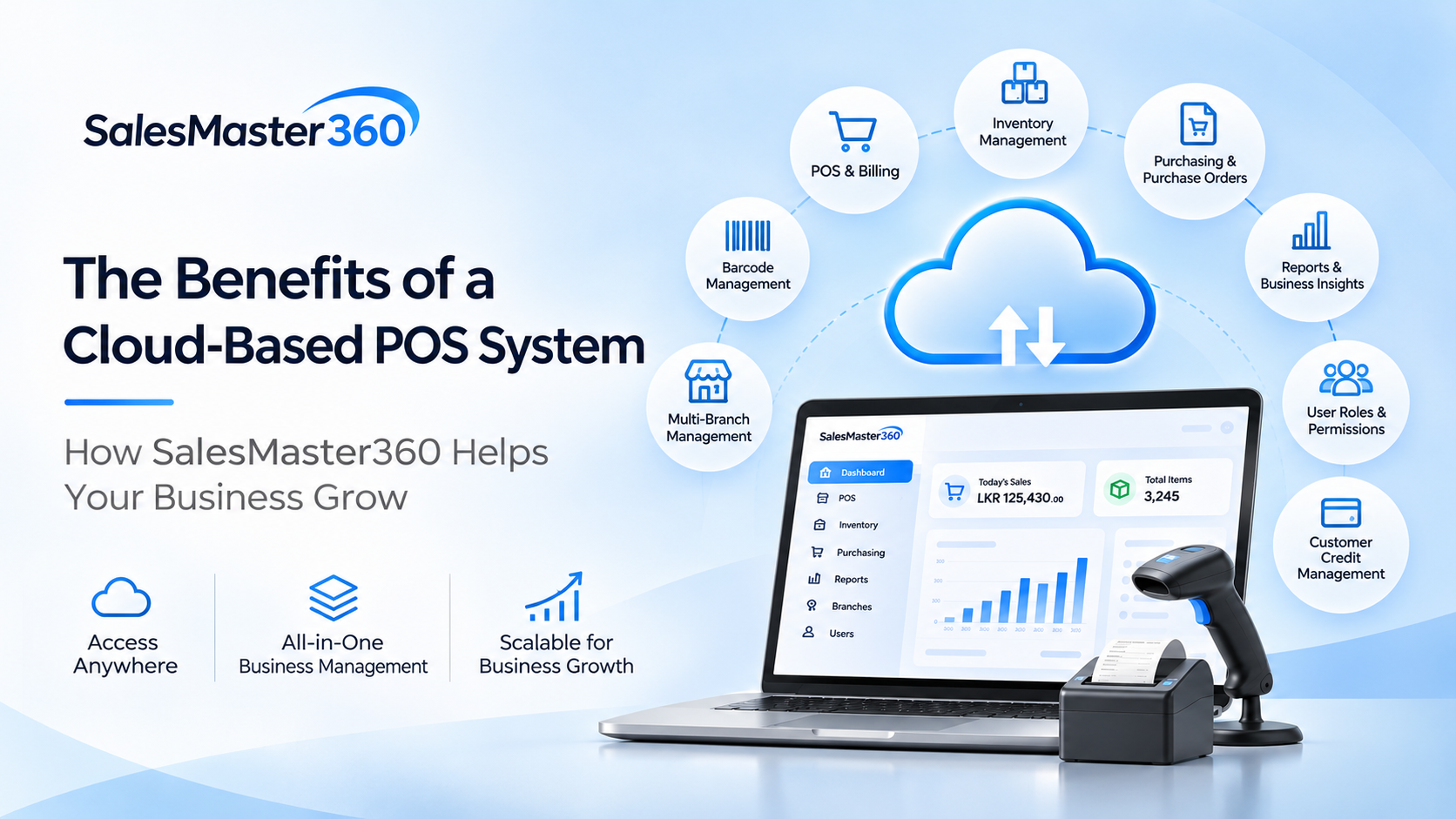
The Benefits of Using a Cloud-Based POS System: Discover SalesMaster360 Technology is transforming the way businesses operate. From processing customer transactions to managing inventory and monitoring business performance, modern businesses increasingly depend on digital solutions to simplify their daily operations. One of the most important developments in business management technology is the cloud-based Point of Sale (POS) system. Unlike traditional POS software that depends on locally installed applications, a cloud-based POS system provides access to business management software through a web browser, offering a more flexible and centralized approach to managing business activities. SalesMaster360 brings together the advantages of cloud-based technology with integrated Point of Sale and inventory management capabilities, helping businesses manage essential operations through one centralized platform. Whether you operate a small retail shop, supermarket, grocery store, electronics business, fashion store, or another type of business, SalesMaster360 provides tools designed to simplify sales, organize inventory, manage purchasing, and improve operational visibility. Let's explore the benefits of cloud-based POS software and how SalesMaster360 helps businesses take advantage of this technology. 1. Access Your POS System Through a Web Browser One of the biggest advantages of cloud-based POS software is accessibility. Traditional POS applications often depend on software installed on individual computers or dedicated devices. This can make accessing business information from different locations more complicated. SalesMaster360 takes a different approach. As a cloud-based POS system, it is accessed through a web browser, providing users with a convenient way to access the platform without depending on a traditional desktop software installation. This approach offers several advantages: Access the system through a supported web browser. Avoid the need to install a traditional desktop POS application. Provide authorized employees with access to relevant business functions. Support business operations across multiple locations. Use a centralized platform for essential sales and inventory activities. For business owners and managers, browser-based accessibility provides greater flexibility when managing everyday operations. 2. Centralized Sales and Inventory Management Managing sales and inventory separately can create unnecessary complexity. For example, businesses that use one application for billing and another for inventory management may need to maintain information across multiple systems. This can increase administrative work and make it harder to maintain consistent business records. SalesMaster360 combines Point of Sale and inventory management functionality within one platform. This integrated approach helps businesses manage: Daily sales and billing. Product and inventory records. Stock management activities. Purchasing and purchase orders. Barcode management. Sales and business reports. Customer credit management. By bringing these capabilities together, SalesMaster360 provides a more organized environment for managing important business operations. 3. Better Inventory Visibility and Stock Management Inventory is one of the most important assets of many businesses. Poor stock management can lead to unnecessary purchasing, stock shortages, excess inventory, and operational difficulties. A POS system with integrated inventory management helps businesses manage sales and stock-related activities within a connected environment. SalesMaster360 combines its POS and inventory modules to support businesses in organizing product information and managing inventory alongside their sales operations. The benefits include: Better organization of product information. Centralized inventory management. Support for barcode-based product identification. Easier management of purchasing activities. Improved visibility into business operations. For retailers and other inventory-dependent businesses, having POS and inventory management in one platform provides a practical foundation for more organized operations. 4. Manage Multiple Branches Through a Centralized Platform Businesses that operate multiple branches often face additional management challenges. Maintaining consistent operations, monitoring business activities, and managing employees across different locations can become increasingly complicated as a business grows. SalesMaster360 includes multi-branch management capabilities designed to support businesses operating across multiple locations. Instead of treating each branch as an entirely separate business operation, businesses can use the platform's multi-branch capabilities to support a more centralized management approach. This is particularly useful for: Retail chains. Businesses expanding into new locations. Supermarkets with multiple outlets. Businesses managing several sales locations. Business owners who need greater operational oversight. Multi-branch management gives growing businesses a platform designed to support their changing operational requirements. 5. Simplify Purchasing and Purchase Order Management Managing purchases is an essential part of maintaining a healthy inventory. Businesses need to organize purchasing activities, coordinate stock replenishment, and maintain records of the products they acquire. SalesMaster360 includes purchasing and purchase order functionality, bringing purchasing activities into the same business management environment as POS and inventory operations. This helps businesses organize their purchasing processes while maintaining a more connected approach to sales and stock management. Combining these functions within one platform can reduce the complexity associated with managing separate applications for different business activities. 6. Improve Product Identification with Barcode Management Product identification is an important part of efficient retail operations. Barcode management helps businesses organize product identification and supports convenient product handling during everyday operations. SalesMaster360 includes barcode management capabilities, making it possible for businesses to incorporate barcode-based product identification into their POS and inventory management activities. For businesses managing a large number of products, barcode management can help create a more organized product management process. 7. Gain Better Business Insights Through Reporting Making informed business decisions requires access to useful information. Business owners need to understand sales activities, review operational performance, and monitor important aspects of their businesses. SalesMaster360 provides sales and business reporting capabilities that help businesses review their operational information. Having reporting functionality within the same platform used for sales, inventory, and purchasing creates a more convenient environment for reviewing business activities. Instead of depending entirely on manually maintained records, businesses can use the system's reporting capabilities to support better operational visibility and decision-making. 8. Control Employee Access with User Roles and Permissions As a business grows, more employees may need access to its POS and business management system. However, every employee does not necessarily require access to every function. SalesMaster360 includes user roles and permissions, helping businesses organize access according to employee responsibilities and operational requirements. This provides a structured way to manage system access for different users, such as cashiers, supervisors, and administrators, according to the roles configured by the business. Properly organized user access helps businesses maintain a more controlled working environment. 9. Manage Customer Credit More Conveniently Many businesses allow customers to purchase products using credit arrangements. Managing these transactions requires proper records and visibility into customer credit activities. SalesMaster360 includes customer credit management capabilities to support businesses that offer credit-based purchasing arrangements. By including customer credit management within the same POS platform, businesses can manage this aspect of their operations alongside their other sales activities. 10. Reduce Dependence on Traditional Desktop POS Software Traditional desktop POS systems can require individual installations, local software maintenance, and additional effort when businesses need to expand their operations across different locations. Cloud-based POS software offers an alternative approach. Because SalesMaster360 is accessed through a web browser, businesses can use a centralized platform without relying on a traditional locally installed desktop POS application. This provides a more flexible approach to accessing business management software and helps simplify the way businesses work with their POS system. It also provides a foundation for businesses that want to adopt modern cloud-based business technology. 11. A Flexible Solution for Different Types of Businesses Every business has different operational requirements. A grocery store may prioritize product identification and inventory management, while an electronics retailer may need organized product records and purchasing capabilities. A multi-location retail business may place greater importance on centralized branch management and reporting. SalesMaster360 brings together several essential business management capabilities in one platform, making it relevant to a wide range of business environments. It is designed to support businesses such as: Retail shops. Supermarkets. Grocery stores. Electronics retailers. Fashion and clothing stores. Wholesale businesses. Other businesses requiring POS and inventory management. Its combination of sales, inventory, purchasing, barcode management, reporting, and multi-branch capabilities provides a versatile foundation for managing everyday business activities.